01
Content
Click a headline, a paragraph or a photo and change it. Add a section from a list of blocks that already look right. This is the setting everyone starts in.
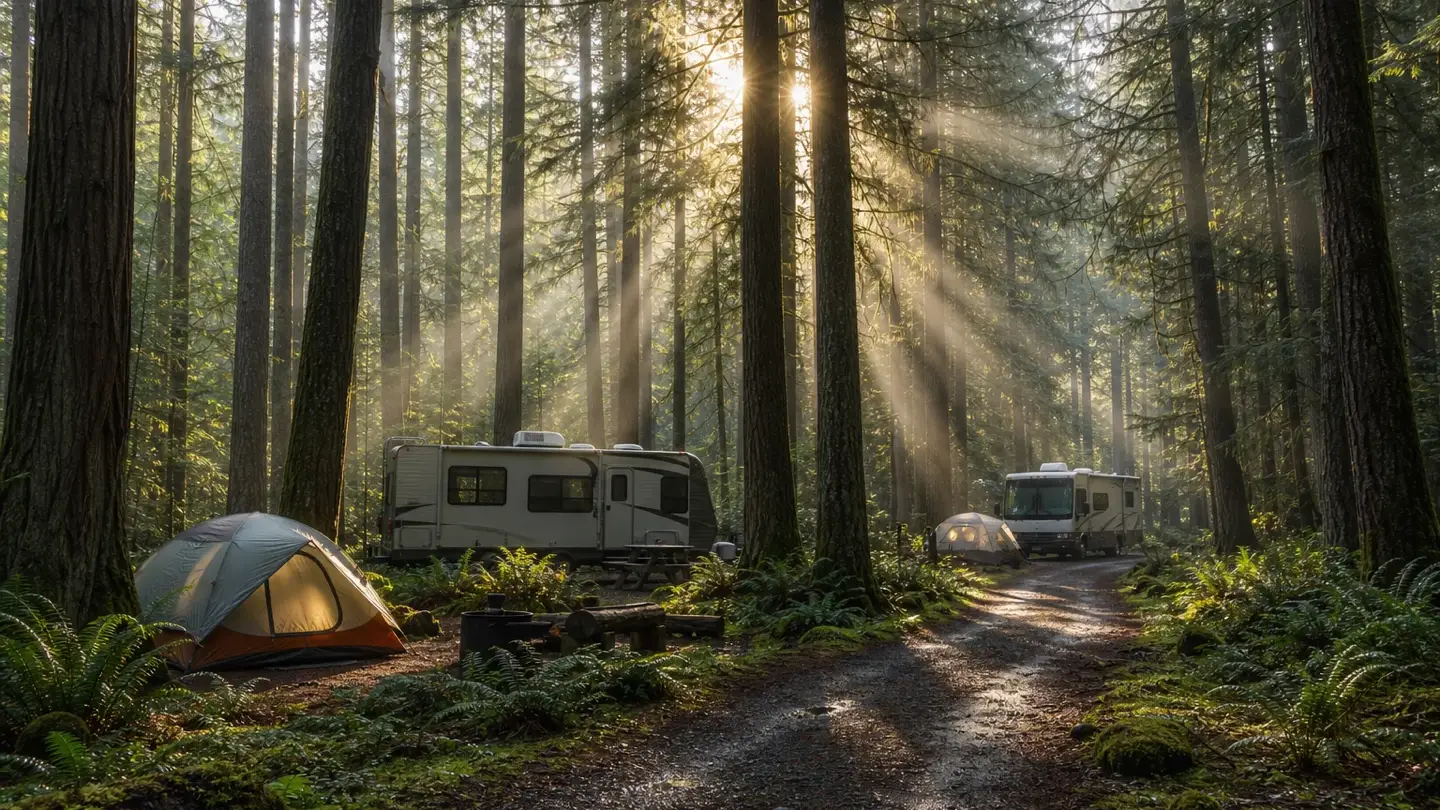
For campgrounds, RV parks and glamping
We build the first draft from your ResortTribe listing — your photos, your amenities, your rates. You fix the wording, press publish, and the page opens in about a second on a phone with two bars of signal.
100 on all five Lighthouse categories 12 KB page No third-party scripts
Start from what you have
Your directory listing has your photos, amenities, rates and season in it. We build the first draft of the site from that, so the first thing you see is your campground and not an empty template with a stock photo of a mountain.
See everything it doesSign in with your ResortTribe account and pick your campground. Nothing to type twice, no photos to hunt for on your phone.
Photos, amenities, rates, season, address and hours land in real sections. Every photo goes through the encoder on the way in, so none of them can quietly make the page slow.
Click a heading and type over it. When it sounds like you and not like a brochure, press publish. It is live in seconds — on a resorttribe.site address, or on your own domain.
Live availability
Wix and Squarespace can put a picture of a calendar on your page. They cannot tell anyone whether you have a pull-through free on Friday, because they have no idea what you have free. We do — it is the same data your listing runs on.
An example month from our demo campground, showing which nights are open, which have limited space and which are full.
Our demo campground's real data. On your site these are your nights. Try the live one.
One editor
Most owners never leave the first one. It is the same page and the same file underneath, so there is no "advanced version" to graduate to and nothing to migrate.
Click a headline, a paragraph or a photo and change it. Add a section from a list of blocks that already look right. This is the setting everyone starts in.
Drag blocks onto a twelve-column grid and set spacing, type and colour. Phones arrange themselves from what you did on the wide screen, and you can overrule that when you want to.
The tree view, the HTML of any section, and your own CSS. What the drag surface writes is what you read back — ordinary HTML, hand-editable, and your edits come straight back to the canvas.
Which one you work in is a setting on you, not a product you bought. If your nephew writes code, switch him to Code and leave yourself on Content — same site, same afternoon. Content and Layout are on every plan including the free one; the code panel comes with Studio.
The honest version
Pages built from stock blocks, with images processed by our pipeline and no third-party tags, score 100 on Lighthouse mobile. Adding an analytics tag, a chat widget, or a map embed will lower it — and we will show you by how much before you add it.
Our performance promise, written down before the first line of code was committed
Every other builder quotes you a best case and goes quiet about the rest. The numbers here are what actually happens when you add the thing you were going to add anyway.
| Nothing added | 100 |
|---|---|
| Google Analytics, the ordinary way | 97 |
| A Google Maps embed | 85 |
We do not refuse any of these. We ship them in a way that costs less — and on our own demo site, Google Analytics and the Meta Pixel are both switched on, both verified firing, and it still measures 100.
Every number, and how we measured itPricing
$0forever
One site on a resorttribe.site address. Everything you need to be findable.
1 site · 1 person
Start free$29per month
Your own domain, your own analytics, and the directory import that fills the site in for you.
1 site · 5 people
Choose Campground$79per month
For people who build for a living: the code tier, the API, and the building assistant.
10 sites · 25 people
Choose StudioEvery plan gets the same speed work, the same accessibility checks and the same publishing. Compare the plans line by line.
Questions
If yours is not here, ask us from inside your account — a person reads it, and starting an account is free.
Start on the free plan, build it from your listing, and see the real page before you decide anything. No card, and nothing to cancel if you change your mind.